Five of the six devices in our range list GPS as standard, and the sixth, the Tuga W10, lists it as an option. So the question is rarely whether a Tuga can find its location. It is what you want location for, and whether the satellite systems, battery and connection suit how you work. For most trades the answer is simple: let your job app record a location when you start, finish or photograph a job, and leave tracking switched off the rest of the time.
Why a Job App or Timesheet Wants Your Location
Most job management, timesheet and inspection apps can use the device's location. They usually use it in one of four ways.
- Proof of visit. The app records where the device was when you checked in, completed a job or collected a signature. If a customer later says nobody turned up, the job record shows a time and a place.
- Location on photos. A photo with a location and a timestamp attached is harder to dispute than one without. Our guide to taking site photos that hold up covers how to take and file them.
- Timesheets. Some timesheet apps record where a shift started and ended, so the office can match hours to jobs without phone calls.
- Mileage and routes. Some apps log journeys between jobs, which can help you keep a record of business miles instead of reconstructing them from memory at the end of the year.
None of this needs anything unusual from the hardware. It needs a location receiver, an app that uses it in the way you want, and permission from you to use it. Check that the app you rely on runs on the device and supports the location features you need before you buy, because the features differ from app to app.
Which Tuga Devices List GPS, and Which Satellite Systems
"GPS" is often used to mean any satellite positioning, but strictly it is one system run by the United States. Others exist: GLONASS (Russia), Galileo (the European Union) and BeiDou (China) cover the whole world, while QZSS (Japan) and NavIC (India) are regional systems aimed at their own parts of the world. A receiver that can use more than one system has more satellites to choose from, which can help it get a position when buildings, trees or a van roof hide part of the sky.
Here is exactly what each device lists:
- Tuga A6, £349. GPS, GLONASS, BeiDou and Galileo. Four systems, on a 6 inch handheld that goes in a pocket.
- Tuga A8, £379. GPS, GLONASS, Galileo and BeiDou. The same four systems as the A6, on an 8 inch tablet.
- Tuga A10, £449. GPS, Galileo, BeiDou, QZSS and NavIC. GLONASS is not listed for the A10.
- Tuga WH6, £699. GPS and GLONASS.
- Tuga W8, £629. GPS and GLONASS.
- Tuga W10, £649. GPS is listed as an option, alongside optional 4G LTE. No other satellite systems are listed for it.
The A10 lists the most systems, but two of them are regional systems that are not aimed at the UK, so in practice the A6 and A8 list the widest set of the worldwide systems. No position accuracy figure is listed for any device. How good a fix is depends on the sky view, nearby buildings and the app as much as on the receiver.
If you want the W10 with GPS, ask through the contact form before ordering, so we can confirm what is available and the price. Do not assume a standard W10 has it.
Mobile Data and GPS Are Not the Same Thing
This is the most common mix-up. A satellite receiver listens to signals from space. It does not need a SIM, a mobile signal or Wi-Fi to work out where it is. A tablet with GPS and no SIM still knows its position in a field with no phone signal.
What mobile data adds is everything around the position:
- Getting a fix quickly. Devices can download helper information over a data connection that lets the receiver find satellites faster, especially when it has been switched off for a while or moved a long way. Without data, the first fix of the day can take longer.
- Maps. A position is just coordinates until a map is drawn round it. Most map and route apps download maps as you go. If you work where signal is poor, check whether your app lets you save maps for offline use before you set off.
- Sending the record. A proof of visit or a mileage log only reaches the office when the device is online. Good apps store the record and send it when the connection comes back. Check that yours does.
Devices can also estimate location from nearby Wi-Fi networks and mobile masts. That is quicker indoors, but it is rougher than a satellite fix, and it depends on a connection.
Every model except the W10 has 4G built in as standard; the W10 lists it as an option. The A6, A8 and A10 take two SIMs, which helps on rural jobs where coverage changes from site to site. Our guide to 4G, 5G or Wi-Fi only goes through when a tablet needs its own SIM and when hotspotting from your phone will do.
Indoors and Underground
Satellite signals are weak and do not pass well through roofs, concrete or steel. In a basement, a plant room or the middle of a large building, expect a slow fix or no fix at all. If your app records proof of visit, check in by the door or at the van where the device can see the sky, rather than in the boiler room.
Battery: What Location Costs
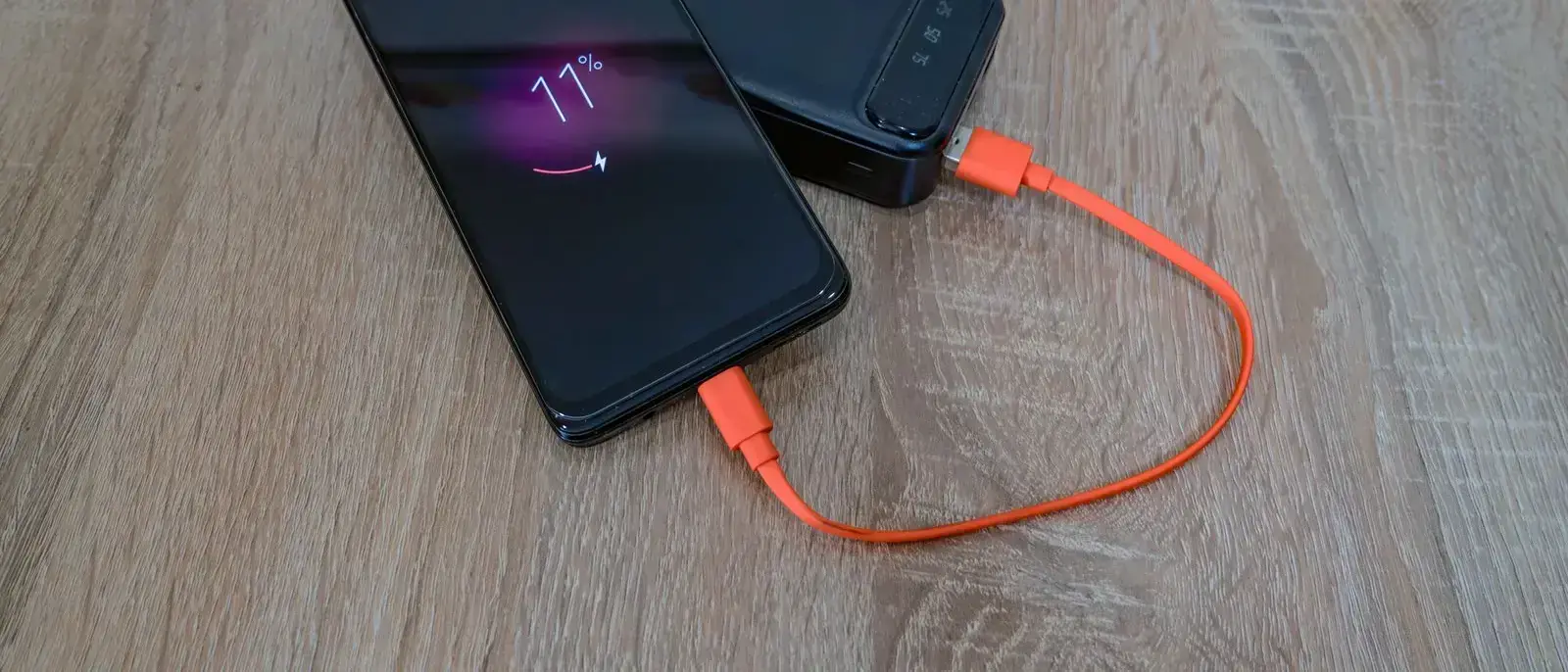
Location uses power, and how much depends on how often the app asks for it. A single check-in at the start and end of a job costs very little. Continuous tracking all day, such as live route logging or turn by turn navigation with the screen on, costs far more, and the screen is usually the bigger drain of the two.
A few habits keep the cost down:
- Give each app only the location access it needs. Android and Windows both let you allow or block location per app. Allow it while the app is in use where that is enough.
- Switch navigation off when you arrive. A route app left running on site keeps the receiver and often the screen busy for nothing.
- Charge in the van. If the tablet is your sat nav, charge it while it navigates. The 12V DC Car Charger at £26 fits every device in the range, and the Vehicle Mounting Dock at £109, for the A8, A10, W8 and W10, keeps the tablet charged on the dashboard.
- Carry a spare where you can. The A6 (5050mAh), A8 (8000mAh), WH6 (4000mAh), W8 (5000mAh) and W10 (5000mAh) all have removable batteries. The A10's 8000mAh battery is not listed as removable.
Our guide to making a tablet battery last a full shift covers the other radios and settings in more detail.
Mileage Records
A tablet that logs journeys saves guesswork, but the device is only part of it. What you need to keep, how you claim, and what counts as a business journey are questions for your accountant or the official guidance, not for a hardware shop. We do not give tax advice.
On the practical side:
- Pick an app that exports. A log you cannot get out of the app is not much use at the end of the year. Check what format it exports in, and whether your accountant can use it.
- Separate business and personal journeys. If the same vehicle does both, choose an app that lets you mark each trip, and do it the same day.
- Back it up. If the record lives only on the tablet, a lost or broken device takes it with it. Sync to an account or export regularly.
Tracking Staff: Tell Them First
If you run a team and the devices record location, the people carrying them need to know. This is not legal advice, and the rules on monitoring staff and handling their personal data are worth checking with an adviser before you switch anything on. The Information Commissioner's Office publishes guidance for employers on monitoring workers, which is a sensible place to start.
Some general good practice:
- Write down what is tracked and why. Proof of visit at each job is a different thing from a live position all day. Say which one you use.
- Say when it is on. Working hours only, or only while a job is open, is easier to explain than all the time.
- Say who can see it and how long it is kept. Keep only what you need for the reason you gave.
- Tell staff before the devices go out. Not after someone notices.
If staff take a device home, ask your adviser whether location should be off outside work.
Which Device for Location Work
On Foot, Job to Job: Tuga A6
The Tuga A6 at £349 lists GPS, GLONASS, BeiDou and Galileo, dual SIM 4G and a removable 5050mAh battery, in a 277g handheld. It suits anyone whose proof of visit is a photo and a signature at the door. Our guide for delivery drivers and couriers covers the handheld side in more depth.
In the Van and on Site: Tuga A8
The Tuga A8 at £379 lists the same four systems, dual SIM 4G, a removable 8000mAh battery, a 1000 nit screen and VESA mount points. It can be the route screen on the dashboard and come out as the job tablet when you arrive.
Windows Software: Tuga W8
If your job or fleet software only runs on Windows, the Tuga W8 at £629 runs Windows 11 Pro and lists GPS and GLONASS, 4G LTE and a removable 5000mAh battery. That is £250 more than the A8, so choose it for the software, not for the location features. The WH6 lists the same two systems in a handheld, and on the W10, GPS is an option to confirm before ordering.
The Short Version
A Tuga with GPS can show where and when a job happened without a mobile signal; it needs data to fetch maps and send the record. The A6 and A8 list four satellite systems, the A10 lists five including two regional ones, the WH6 and W8 list two, and the W10 has GPS as an option. Use location for check-ins and photos rather than all-day tracking, tell staff what is recorded, and ask your accountant about mileage records. No VAT to add, and delivery is free to UK addresses in 7 to 10 working days.
Compare head to head: A6 vs A8 · A8 vs A10 · A10 vs WH6
Rugged tablets from £349
IP65 to IP68 sealed, with 1000 nit screens and removable batteries where they matter. Free UK delivery, 30-day returns and a 12-month warranty on every device.
Browse the range