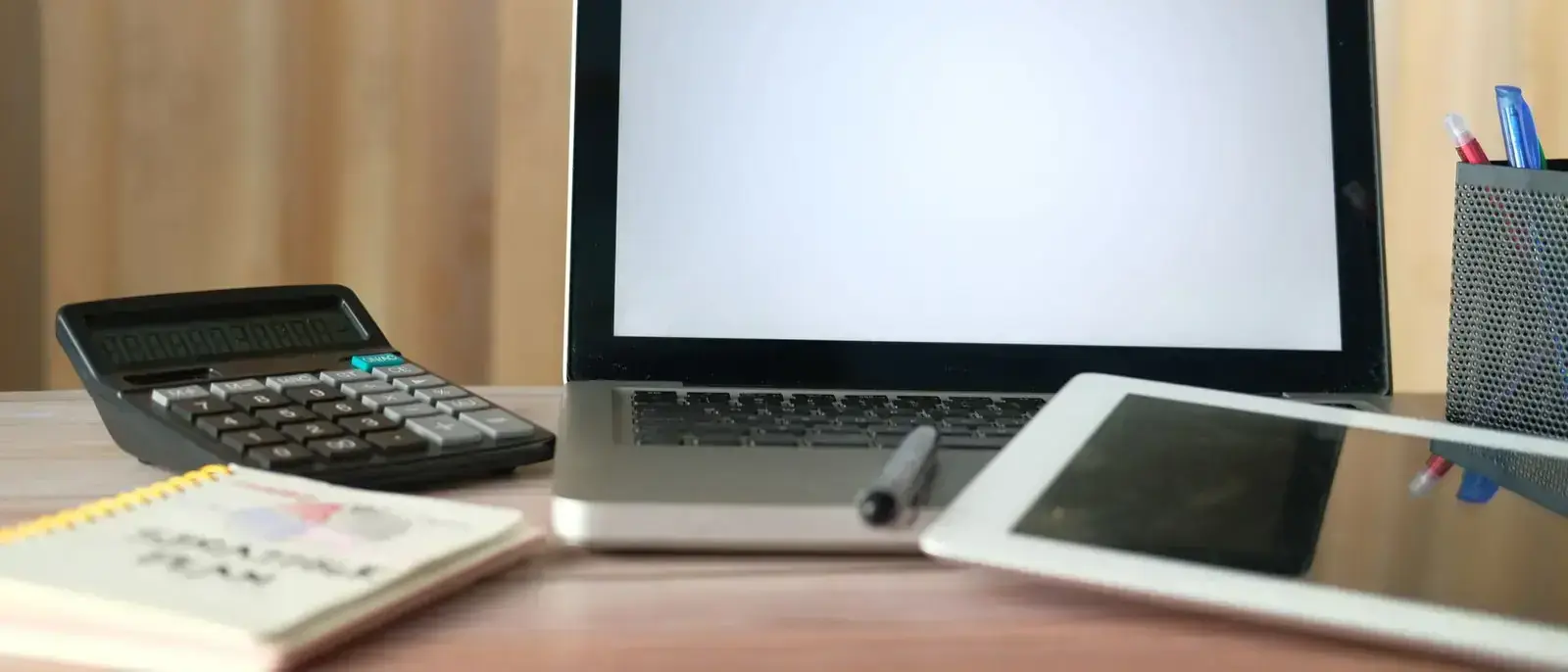
Most tradespeople never plug anything into their tablet except a charger. If that is you, the ports on the side of the device do not matter and you can buy on screen size, sealing and price. But if your work involves connecting to a panel, a controller, a network switch, a projector or a USB lead from an instrument, the ports decide which device you can buy. In our range, the Tuga W10 at £649 is the only device with a wired Ethernet socket, and it also has full size HDMI, USB-A and USB-C. The Tuga W8 at £629 has USB-A, USB-C and Mini HDMI. The Tuga WH6 handheld at £699 has USB-A and USB-C. The three Android models have USB-C only, so for them a USB-A device means the £8 OTG adapter, with limits this guide explains.
The Short Version
- You plug a network cable into equipment: the W10, because it is the only device with an RJ45 Ethernet port.
- You plug into a monitor, TV or projector: the W10 (HDMI) or the W8 (Mini HDMI, so carry the right cable).
- You plug in a USB-A lead, stick or dongle: the W10, W8 or WH6 directly, or any Android model through the OTG adapter.
- You plug in nothing but a charger: skip this guide and read our Android or Windows guide instead.
Who Needs a Wired Network Port
Wi-Fi covers most site work now, and a 4G SIM covers most of the rest. A wired Ethernet port is for the jobs where the equipment you are working on has no wireless at all, or where you are not allowed to use it.
Network and data installers configure switches, routers and access points before the Wi-Fi exists, over a cable to the management port. Security and fire system engineers commission panels and controllers designed to be reached over a wire from a laptop. Controls engineers plug into building management controllers the same way. Utilities and industrial engineers meet equipment where wireless is switched off by policy, or where the cabinet is a metal box in a basement with no signal.
In every one of those cases, the engineer carries a laptop for the cable. A tablet with an Ethernet port can replace it, if the software the job needs runs on the tablet. That second condition matters more than the port, so check it first: our guide to replacing a laptop with a rugged tablet covers what a tablet can and cannot take over.
The Tuga W10 lists 100Mbps Ethernet as standard, alongside dual-band Wi-Fi 5 and Bluetooth 5.2. That is slower than the gigabit port on a modern laptop. For configuring a controller, browsing a device's web page or pulling a log file, it is plenty. For moving very large files over the cable, it will take longer than a gigabit laptop, and you should know that before you buy. No other device in our range has a wired network port.
Who Needs HDMI
HDMI puts the tablet's screen on a bigger display. Site managers and surveyors can walk a client through drawings or a snagging list on the cabin TV rather than crowd around a 10 inch screen. Trainers can run toolbox talks from the tablet they already carry. An engineer commissioning in a plant room for two days can plug in a monitor and keyboard and work as if at a desk, then unplug and take the same device to the next site.
The Tuga W10 lists HDMI among its ports. The Tuga W8 lists Mini HDMI 2.0a, the smaller connector. It does the same job, but a standard HDMI cable will not fit it, so put a Mini HDMI to HDMI cable in the van before you need it. The WH6 and the three Android models list no HDMI or other display output, and their specifications do not list video over USB-C, so do not assume they can drive an external screen. If display output matters, buy the W10 or W8.
Who Needs USB-A
USB-A is the full size rectangular socket that most USB leads, memory sticks and dongles still use. USB-C is the smaller oval one. Phones and laptops have moved to USB-C, but a great deal of trade and industrial kit has not, and some of it never will.
The common cases are a USB lead from an instrument, a memory stick from a client or a machine that exports its logs to one, a wireless receiver for a keyboard or mouse, a wired barcode scanner or label printer, and a diagnostic interface between the tablet and a controller. If you do any of these regularly, a USB-A socket on the body saves you carrying and losing an adapter.
Three devices in our range have one built in. The Tuga W10 has USB-A and USB-C. The Tuga W8 has USB-A 3.0 and USB-C 3.1. The Tuga WH6 handheld has USB-A and a USB-C port that lists OTG support. The Tuga A6, Tuga A8 and Tuga A10 have USB-C only.
The £8 Adapter and What It Does Not Do
For the Android models, the answer to USB-A is the USB-C to USB-A OTG Adapter at £8 on our accessories page. It plugs into the USB-C port and gives you one USB-A socket, so a memory stick, a keyboard or a wired scanner can connect. It is listed as compatible with every device in the range, so it also serves as a second USB-A port on the Windows devices when the built-in one is taken.
Be clear about its limits before you rely on it:
- One socket. A keyboard and a memory stick at the same time means a powered hub, which is another thing to carry and to check.
- The tablet powers the device. Anything you plug in draws from the tablet's battery. A memory stick or a keyboard is fine. Something that expects more power, like a portable hard drive or a printer, may not run, and if it does it will cost you battery.
- It occupies the charging port. On a USB-C only device, the adapter sits where the charger goes, so you cannot charge and use a USB-A device at the same time through it.
- It is not a display adapter. It carries data, not video. It will not connect the A6, A8 or A10 to a monitor or projector.
- It does not make software work. Memory sticks, keyboards and mice generally work because Android supports them. A manufacturer's USB interface for a boiler, a controller or an instrument usually needs that manufacturer's software, which may only exist for Windows. The adapter changes the shape of the plug, nothing else.
That last point is the one that catches people out. If your essential kit talks to Windows software over a USB lead, no adapter turns an Android tablet into the right tool. You need the W8, W10 or WH6, and even then you should check the manufacturer's supported platforms and try it on the device before you depend on it.
The Rest of the Port List
- Tuga W10, £649. HDMI, RJ45 Ethernet, USB-C, USB-A, a microSD (TF) slot and a pogo pin dock connector. 4G LTE and GPS are options rather than standard. 1197g.
- Tuga W8, £629. USB-C 3.1, USB-A 3.0, Mini HDMI 2.0a, a 3.5mm audio socket, a SIM and TF card tray and a pogo pin connector. 4G LTE built in. 910g.
- Tuga WH6, £699. USB-C with OTG, USB-A, microSD, Nano-SIM and a pogo pin connector. 4G LTE built in. 470g.
- Tuga A10, £449. USB-C, a 3.5mm headphone jack and a pogo pin connector. Dual SIM 4G. 680g.
- Tuga A8, £379. USB-C, a DC input, dual SIM and microSD slots and pogo pin contacts, with VESA mount points on the back. Dual SIM 4G.
- Tuga A6, £349. USB-C, a dual Nano-SIM tray where the second slot can take a microSD card instead, and charging contacts for a dock. 277g.
The 3.5mm socket on the W8 and A10 takes a wired headset for a noisy plant room or a call with both hands busy. The pogo pin connectors are for docks: the Charging Dock (£49.99) fits the A10, W8 and W10, the WH6 Charging Cradle is £79, and the Vehicle Mounting Dock (£109) fits the A8, A10, W8 and W10. A dock charges the tablet without anyone finding the USB-C port in the dark, and leaves that port free for the OTG adapter. Our van mounting guide covers the vehicle side.
Ports and Sealing
Every socket is a hole in the case, sealed with a rubber flap or cover. Two things follow. First, the covers only work when they are closed: an IP65 tablet with its port flap open is not rated at all, so close it as soon as the cable comes out. Second, the devices with the most ports have the lower water rating. The W10, W8 and WH6 are IP65, which covers dust and water jets but not immersion. The A6 and A8 are IP67 and the A10 is IP68, both rated for immersion, and those are the devices with the fewest sockets. That is the trade-off this whole guide is about. Our IP68 vs IP67 guide explains the ratings in detail.
Which Tuga Fits
If a network cable is part of your normal day, the Tuga W10 at £649 is the only answer in our range. It has the full set: RJ45 Ethernet, HDMI, USB-A and USB-C, an Intel N100 running Windows 11 Pro on a 10.1 inch screen, a removable 5000mAh battery and NFC. It is also the heaviest device we sell at 1197g, so plan on a hand strap or shoulder strap if you carry it rather than dock it. The 16GB RAM upgrade is £69 if you run heavier Windows software. The utilities page and the field service page go into the jobs it suits.
If you need USB-A and a display output but not Ethernet, the Tuga W8 at £629 gives you USB-A, USB-C and Mini HDMI in a 910g, 8 inch Windows 11 Pro body with a 1920 x 1200 screen and a removable 5000mAh battery. Carry the Mini HDMI cable.
If you need Windows and USB-A in a pocket, the Tuga WH6 at £699 is a 6.5 inch Windows 11 IoT handheld at 470g with USB-A and USB-C, 4G LTE and a removable 4000mAh battery. It has no display output, so it is for the engineer who plugs in a lead, not a monitor.
If your software runs on Android and you only occasionally need a USB-A device, buy the Android tablet that suits the rest of your work, the Tuga A8 at £379 or the Tuga A10 at £449, and add the £8 adapter. You save between £180 and £270 against the Windows tablets and get better sealing.
Prices are as listed, with no VAT to add. Every device comes with a 12 month warranty, and delivery is free to UK addresses in 7 to 10 working days. If you are not sure which ports your kit needs, send us the list of equipment through the contact page and we will tell you which device has the sockets, and say so when none of them does.
Compare head to head: A6 vs A8 · A8 vs A10 · A10 vs WH6
Rugged tablets from £349
IP65 to IP68 sealed, with 1000 nit screens and removable batteries where they matter. Free UK delivery, 30-day returns and a 12-month warranty on every device.
Browse the range